Introducing brag-cli: Track Your Wins and Own Your Career
Performance review season arrives. Your manager asks for a summary of everything you delivered over the past six months. You open a blank document and freeze. You know you shipped meaningful work, but the details have blurred into the daily grind.
This problem is so widespread it has a name. Julia Evans and Principal Engineer Elton Minetto popularized the concept of a brag document — a running record of your professional accomplishments. The catch? Keeping it up to date manually is tedious, so most people don’t.
That’s the problem brag-cli is built to solve: an open-source command-line tool that automates the entire process from capturing achievements to generating performance review narratives.
What is brag-cli?
brag-cli is a Go CLI that centralizes your professional accomplishments, automatically syncs with the tools you already use (GitHub, Jira, Linear), and generates AI-powered review materials. The motto: “Track every win. Own your career."
The idea is that you should never have to dig through old pull requests or ticket histories when writing your self-review. brag-cli does it for you.
Installation
Three ways to install:
Homebrew (recommended):
brew install eduardohitek/tap/brag
Via Go:
go install github.com/eduardohitek/brag-cli@latest
Manual binary download: grab the latest binary from the releases page.
Basic workflow
brag-cli follows three main steps:
1. Initial setup:
brag init
An interactive wizard connects your integrations (GitHub, Jira, Linear) and configures your AI API keys (Anthropic or OpenAI).
2. Capture and enrich:
brag sync && brag enrich
brag sync automatically pulls your merged pull requests and completed tickets. brag enrich runs AI over the raw entries, converting them to STAR format (Situation, Task, Action, Result) and applying impact tags.
3. Generate and export:
brag report && brag export
Generates an AI-synthesized performance narrative and exports it as PDF or Markdown — no vendor lock-in.
Key features
Manual entries: Beyond automatic sync, you can log achievements manually at any time:
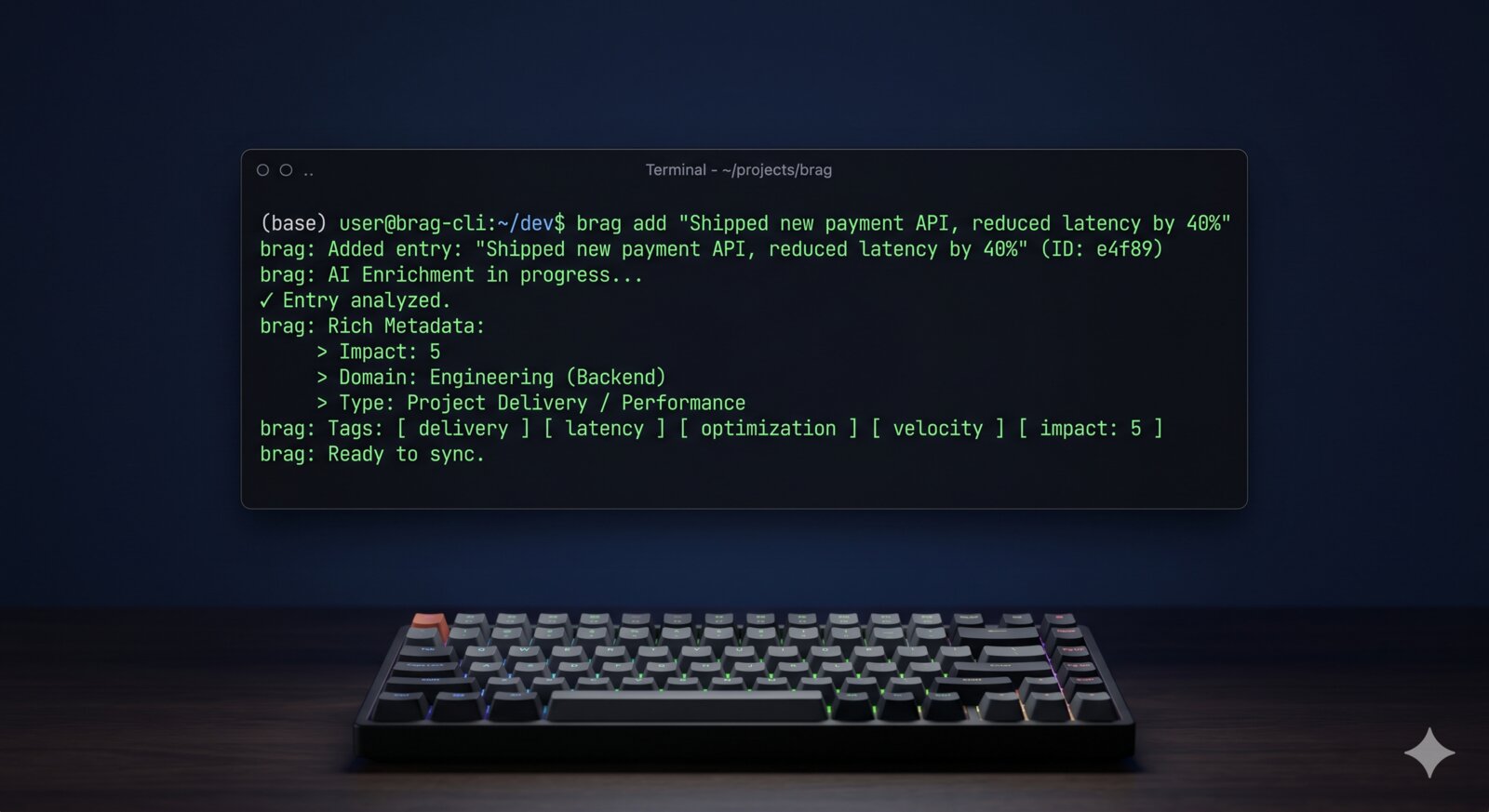
brag add "Refactored the payment service, reduced p99 latency by 40%"
AI enrichment:
brag enrich transforms raw notes into structured STAR narratives, applies impact tags automatically (reliability, velocity, leadership, mentoring, delivery, quality), and scores each entry from 1 to 5.
Integration sync:
brag sync connects to GitHub, Jira, and Linear, pulling the work you’ve already done with automatic deduplication to prevent duplicate entries.
OKR tracking:
Use brag okr to link accomplishments to your company’s Objectives and Key Results. The AI infers associations with high confidence.
StarTrail:
brag startrail lets you configure your career path context so AI enrichment aligns entries with the requirements for your next level or promotion.
Private local storage:
All data is stored locally at ~/.brag/cache/, with optional sync via a private GitHub repository. No external database required.
Conclusion
brag-cli grew out of my own frustration with performance reviews and the difficulty of remembering everything I shipped. If you face the same challenge, it’s worth a try.
Full documentation is at eduardohitek.github.io/brag-cli and the source code is on GitHub. Feedback, issues, and pull requests are very welcome.